 11
11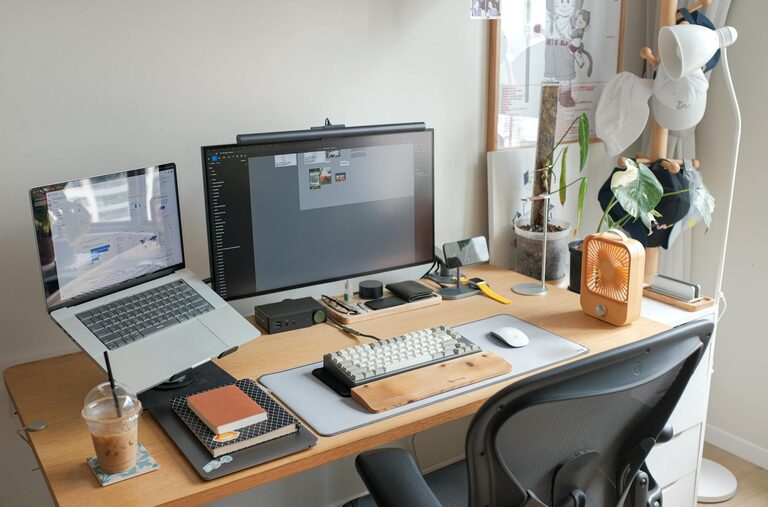
Creating a productive home workspace is essential for anyone working remotely or spending significant time on personal projects. A well-designed workspace not only helps you stay focused but also supports your health and well-being throughout the day. In this guide, we’ll explore practical tips to help you set up a home workspace that meets your individual needs.
Finding the right spot for your home office is the first step. Ideally, the workspace should be quiet, with minimal distractions, and have enough space for your equipment.
– Consider natural light: Position your desk near a window if possible. Natural light can improve mood and reduce eye strain.
– Avoid high-traffic areas: Spaces like living rooms or near the kitchen may have more interruptions.
– Evaluate noise levels: If your home is busy or noisy, think about a room with a door or quiet corner.
Comfort plays a big role in productivity. Poor posture can lead to discomfort and fatigue, making it harder to concentrate.
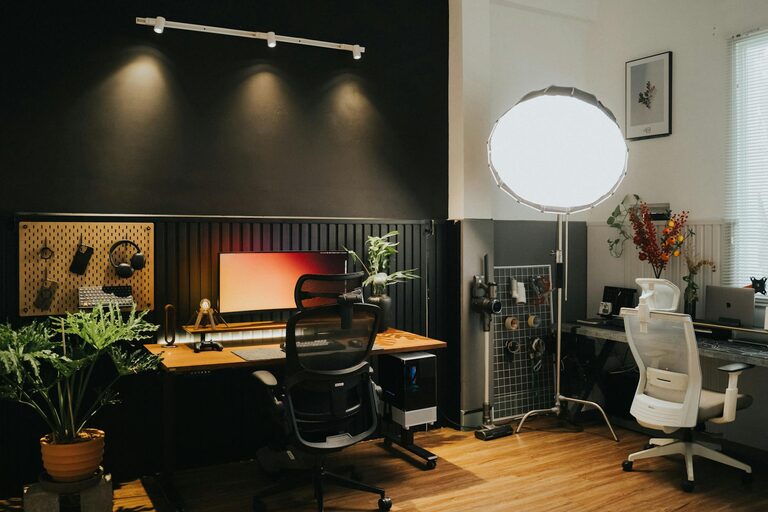
– Ergonomic chair: Choose a chair with adjustable height, good lumbar support, and comfortable cushioning.
– Desk at the right height: Your desk should allow your elbows to rest at a 90-degree angle when typing.
– Consider a standing desk: Alternating between sitting and standing can reduce strain and keep energy levels up.
A tidy workspace helps clear your mind and prevents distractions.
– Declutter regularly: Remove unnecessary items from your desk.
– Use storage solutions: Shelves, drawers, and organisers keep supplies at hand but out of sight.
– Limit digital clutter: Keep your desktop organised and close unused tabs or apps to improve computer performance.
Adding personal touches can make your workspace more welcoming and inspiring.
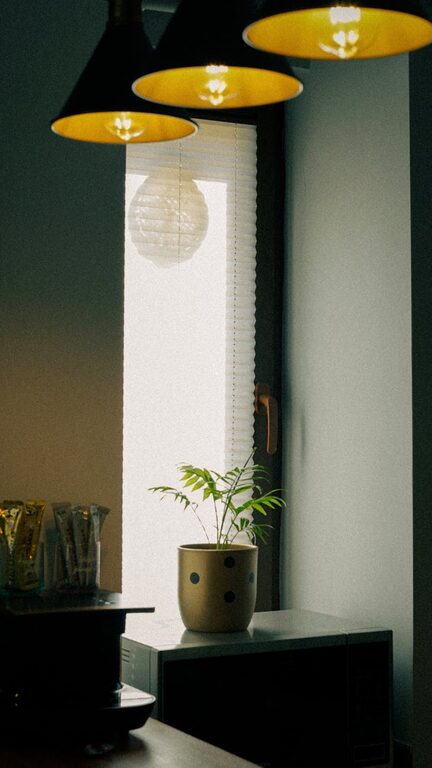
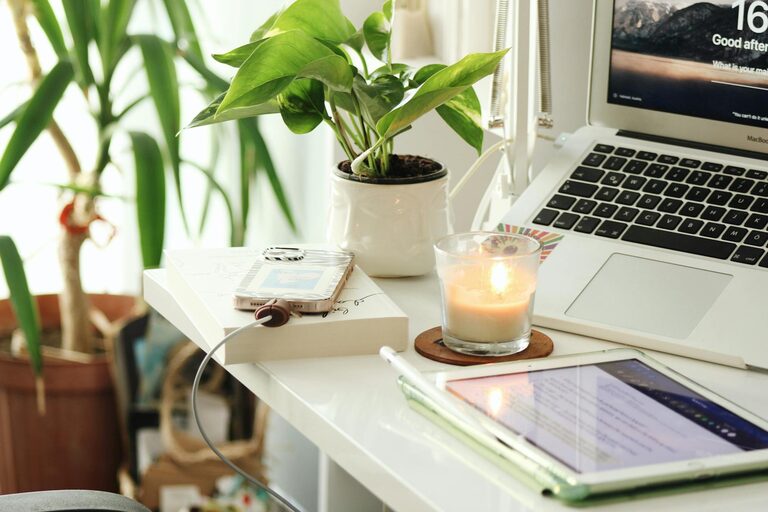
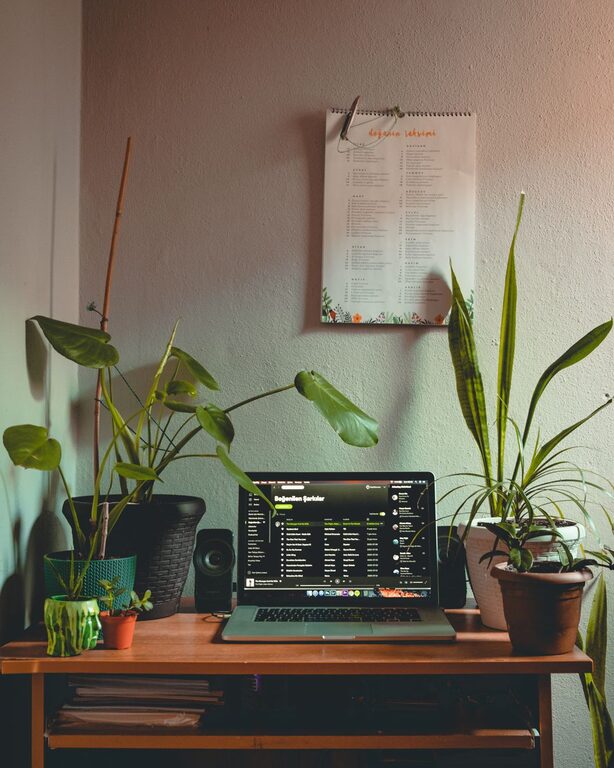
– Add plants: Indoor plants improve air quality and create a calming atmosphere.
– Use colours wisely: Choose colours that stimulate productivity, such as soft blues or greens.
– Display meaningful items: Photos or artwork that motivate you can boost morale.
Good lighting reduces eye strain and fatigue.
– Combine natural and artificial light: Use desk lamps with adjustable brightness to supplement daylight.
– Choose warm light for comfort: Soft white bulbs create a cosy environment, while daylight bulbs improve alertness.
– Avoid glare: Position screens perpendicular to windows to prevent reflections.
Smooth technology use supports uninterrupted work.
– Invest in quality equipment: A dependable computer, keyboard, mouse, and headset can improve efficiency.
– Check internet speed: Ensure your connection is fast and stable for video calls and cloud work.
– Cable management: Use clips or sleeves to keep cords organised and prevent tangles.
Organising your day and setting limits helps maintain balance.
– Define work hours: Keep consistent start and finish times to separate work from leisure.
– Create signals: Use signs or closed doors to indicate “do not disturb” to family members.
– Take regular breaks: Use techniques like the Pomodoro method to keep focus and reduce burnout.
A comfortable environment keeps your mind sharp.
– Ventilate the room: Open windows when possible to circulate fresh air.
– Control temperature: Keep the workspace at a pleasant temperature, usually around 20–22°C.
– Consider noise control: Use noise-cancelling headphones or white noise machines if needed.
Designing a productive home workspace is a personal journey. What works for one person may not suit another. Experiment with layout, lighting, and organisation until you find a setup that feels right for you. Remember, the goal is to create a space that supports your focus, health, and well-being, making working from home both effective and enjoyable.