 11
11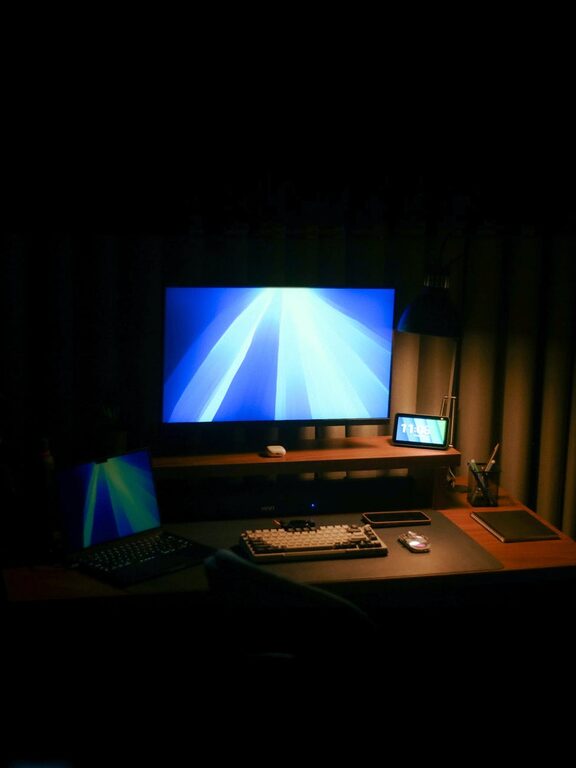
Creating a home office space that is both productive and comfortable can make a big difference to your work-from-home experience. Whether you’re a full-time remote worker, a freelancer, or someone who occasionally works from home, a well-designed workspace helps maintain focus, reduces stress, and improves efficiency. In this post, we’ll explore practical tips to help you set up a home office that meets your needs.
The first step in creating a comfortable home office is picking the right spot. Ideally, your workspace should be quiet and away from high-traffic areas such as the living room or kitchen. A dedicated room is best, but if space is limited, find a corner or section of a room where you can set up a desk.
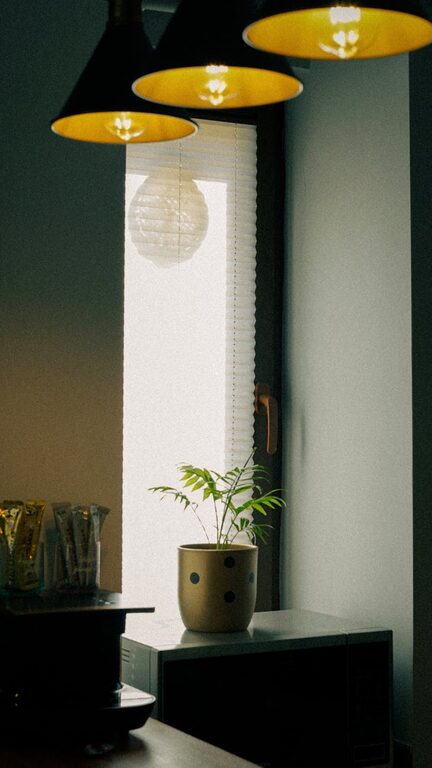
Make sure the location offers sufficient natural light. Daylight can help keep you alert and improve your mood throughout the day. If natural light is limited, invest in good-quality task lighting.
Comfort is key to staying productive during long working hours. Ergonomic furniture supports your body and reduces the risk of aches and injuries.
– Desk: Choose a desk with enough surface area for your computer, paperwork, and other essentials. Adjustable desks that allow you to alternate between sitting and standing positions are an excellent choice.
– Chair: A supportive office chair with adjustable height, lumbar support, and comfortable cushioning will keep you comfortable. Avoid using kitchen or dining chairs for extended periods.
– Monitor and Keyboard: Position your monitor at eye level to avoid neck strain. Use an external keyboard and mouse if you work on a laptop.
A clutter-free desk helps maintain focus and reduces distractions. Here are some tips to organise your space efficiently:
– Storage Solutions: Use shelves, drawers, or filing cabinets to keep documents and supplies organised. Label storage containers for easy access.
– Cable Management: Use cable organisers or clips to keep cords tidy and prevent tangling.
– Minimalism: Only keep items you use daily on your desk. Store less frequently used items out of sight.
Temperature, air quality, and noise levels significantly affect comfort and productivity.
– Temperature: Ensure the room is well-ventilated and at a comfortable temperature. Use a fan, heater, or air conditioner as needed.
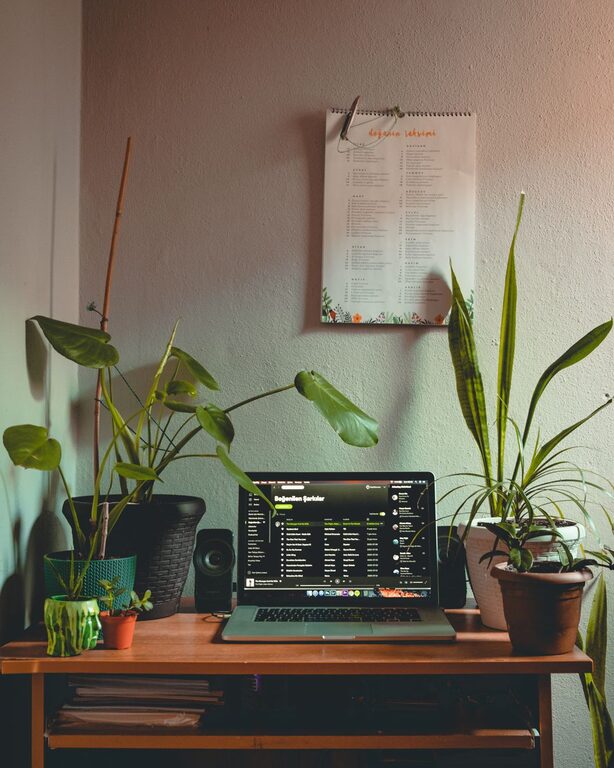
– Air Quality: Open a window regularly to let fresh air in. Adding indoor plants can improve air quality and add a touch of greenery.
– Noise: If noise is an issue, consider using noise-cancelling headphones or a white noise machine to block distractions.
Making your office feel inviting can motivate you to work. Add personal touches such as artwork, family photos, or inspirational quotes. Choose colours that you find calming or energising, depending on your preference.
However, avoid too many distractions like gadgets, toys, or unrelated décor items that could take your attention away from work.
Setting clear boundaries helps maintain a healthy work-life balance when working from home.
– Work Hours: Define your start and finish times and stick to them as much as possible.
– Breaks: Take regular breaks to rest your eyes and stretch your body. Use reminders or apps to help you pause.
– Notify Household Members: Communicate your schedule and set expectations to minimise interruptions.
The right tools can streamline your tasks and reduce frustration.
– Reliable Internet: Ensure you have a fast and stable internet connection.
– Headphones and Microphone: Useful for video calls and reducing background noise.
– Software: Use productivity apps for task management, note-taking, and communication.
Sitting for extended periods can impact your health negatively. Incorporate movement into your day by:
– Standing or walking during phone calls
– Doing quick stretches every hour
– Using a sit-stand desk or balance board
Proper lighting prevents eye strain and headaches.
– Position your desk near a window if possible.
– Use a combination of ambient and task lighting.
– Avoid glare on your screen by adjusting the angle or using blinds.
Creating a productive and comfortable home office is about combining good design, ergonomics, and personal preferences. By making thoughtful choices in your workspace setup, you can enhance your focus, wellbeing, and overall job satisfaction in your home work environment. Take the time to tailor your space so it works best for you.